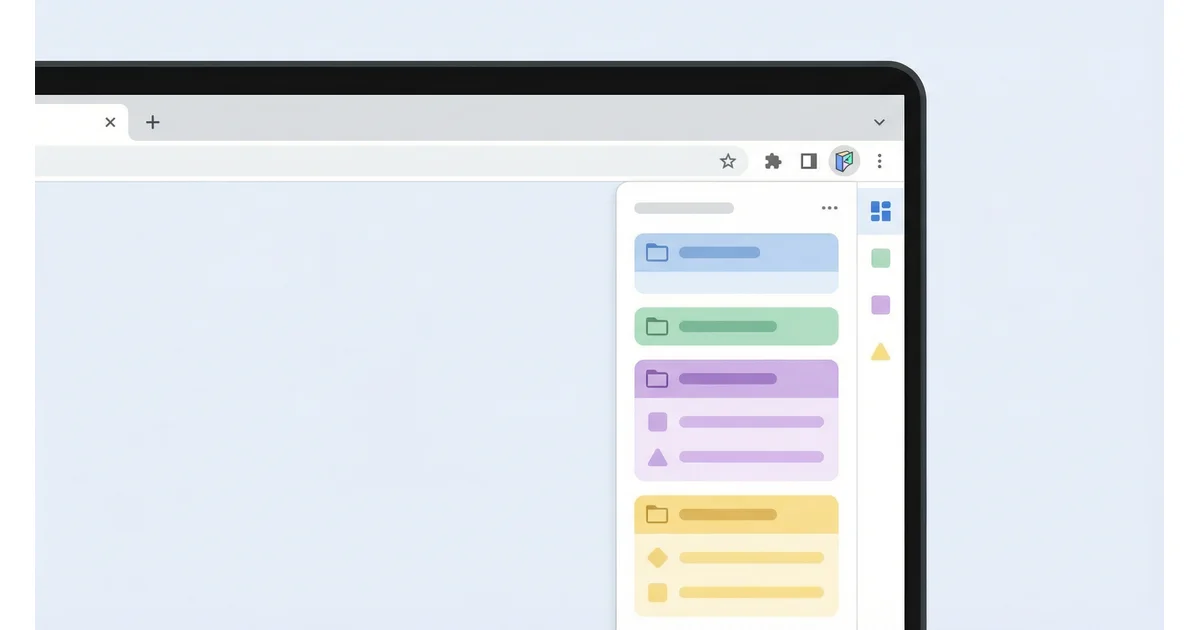
Chrome Bookmarks Extension: Organize Your Links
Managing bookmarks in Chrome can be challenging, especially when you have hundreds of saved links. A dedicated bookmarks extension can help you organize, access, and manage your bookmarks more effectively. TabRover offers a Chrome extension that transforms how you work with bookmarks.
The Problem with Default Chrome Bookmarks
Chrome's built-in bookmark system has limitations:
- Flat folder structure can become cluttered
- Hard to visualize and organize many bookmarks
- No quick access from new tab page
- Limited customization options
- Difficult to share organized bookmark sets
TabRover Chrome Extension: Solution
TabRover Chrome extension solves these problems:
Key Features
- Boards System: Organize bookmarks into boards (Work, Personal, Projects)
- Groups: Further organize links within boards
- New Tab Integration: Access your bookmarks directly from your new tab
- Inbox: Save links quickly to organize later
- Drag and Drop: Easy reorganization
- Sync: Access your bookmarks from any device
- Google Auth: Simple sign-in
How TabRover Extension Works
- Install: Add TabRover from Chrome Web Store
- Sign In: Use your Google account
- Create Boards: Set up boards for different purposes
- Add Bookmarks: Import existing bookmarks or add new ones
- Organize: Use groups and drag-and-drop to organize
- Access: Your bookmarks appear on your new tab page
Benefits of Using TabRover Extension
- Better Organization: Boards and groups provide better structure than folders
- Visual Access: See your bookmarks on your start page
- Quick Access: Get to your links faster
- Cross-Device: Sync across all your devices
- No Clutter: Clean, organized interface
Who Should Use This Extension?
- Professionals: With many work-related bookmarks
- Freelancers: Managing multiple project resources
- Researchers: Organizing reference materials
- Anyone: With more than 50 bookmarks
Installation Guide
- Visit the Chrome Web Store
- Search for "TabRover"
- Click "Add to Chrome"
- Confirm installation
- Sign in with Google
- Start organizing your bookmarks!
Privacy and Security
TabRover extension:
- Uses Google authentication (secure OAuth)
- Stores data securely
- Doesn't track browsing
- No ads or tracking
- Minimal permissions required
Related Topics
Interested in bookmark management? Explore these related guides:
- Start Page Online: Custom Browser Start Page - Learn about online start page services
- Custom New Tab Chrome: Complete Guide - Guide on customizing your new tab page
- TabRover Homepage - Discover TabRover features
Conclusion
If you struggle with bookmark organization, TabRover Chrome extension can help. With boards, groups, and new tab integration, managing your bookmarks becomes much easier and more efficient.
Frequently Asked Questions
Is the TabRover extension free?
Yes, TabRover core features are free. You can create boards, organize bookmarks, and use the extension at no cost.
Will it replace my existing bookmarks?
No, TabRover works alongside Chrome's built-in bookmarks. You can import your existing bookmarks or use TabRover independently.
Can I use it without the extension?
Yes, TabRover also works as a web service. You can access it at tabrover.com/s/ without installing the extension, though the extension provides automatic new tab replacement.
Install TabRover Extension
Get better bookmark organization with TabRover Chrome extension.
Install Extension